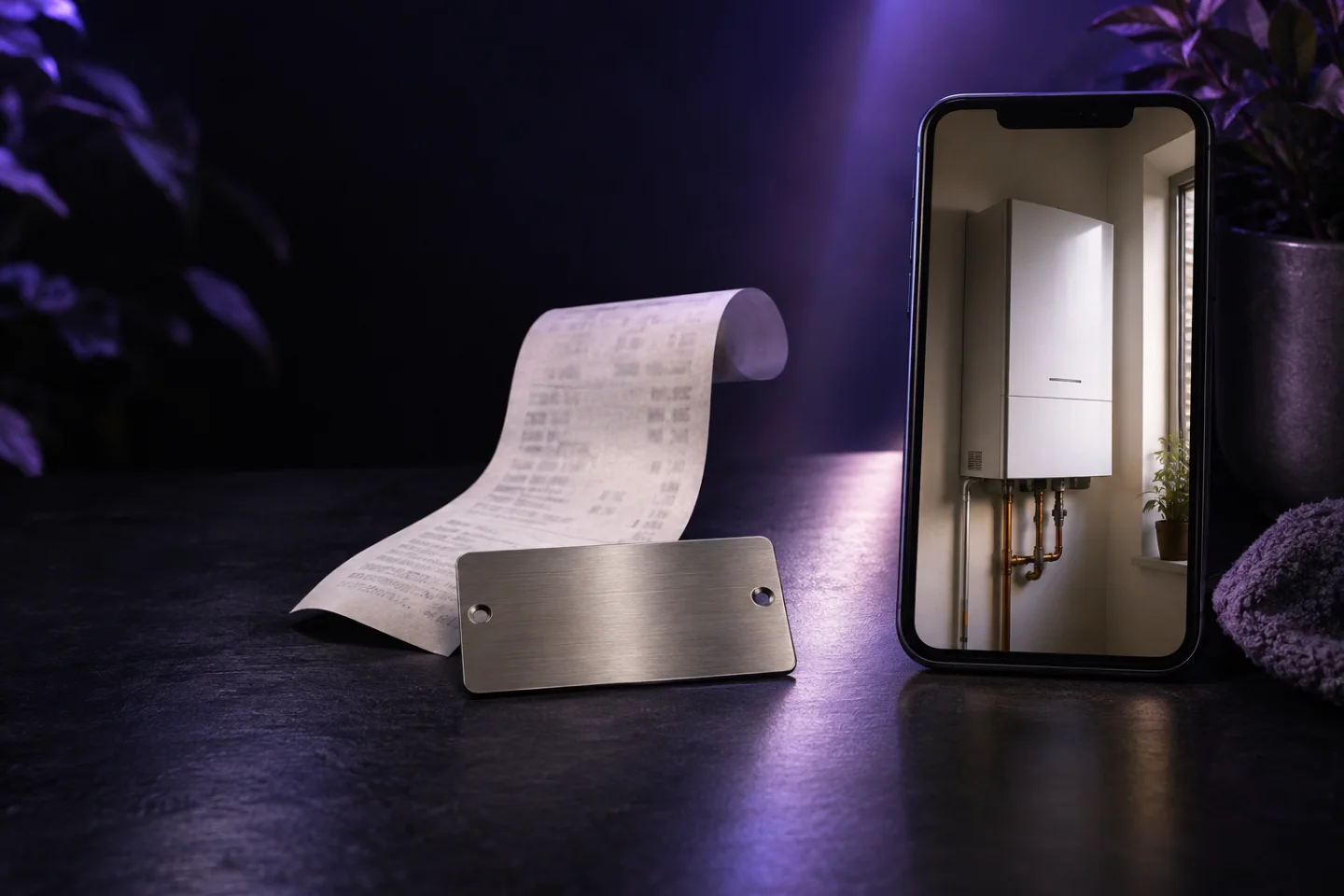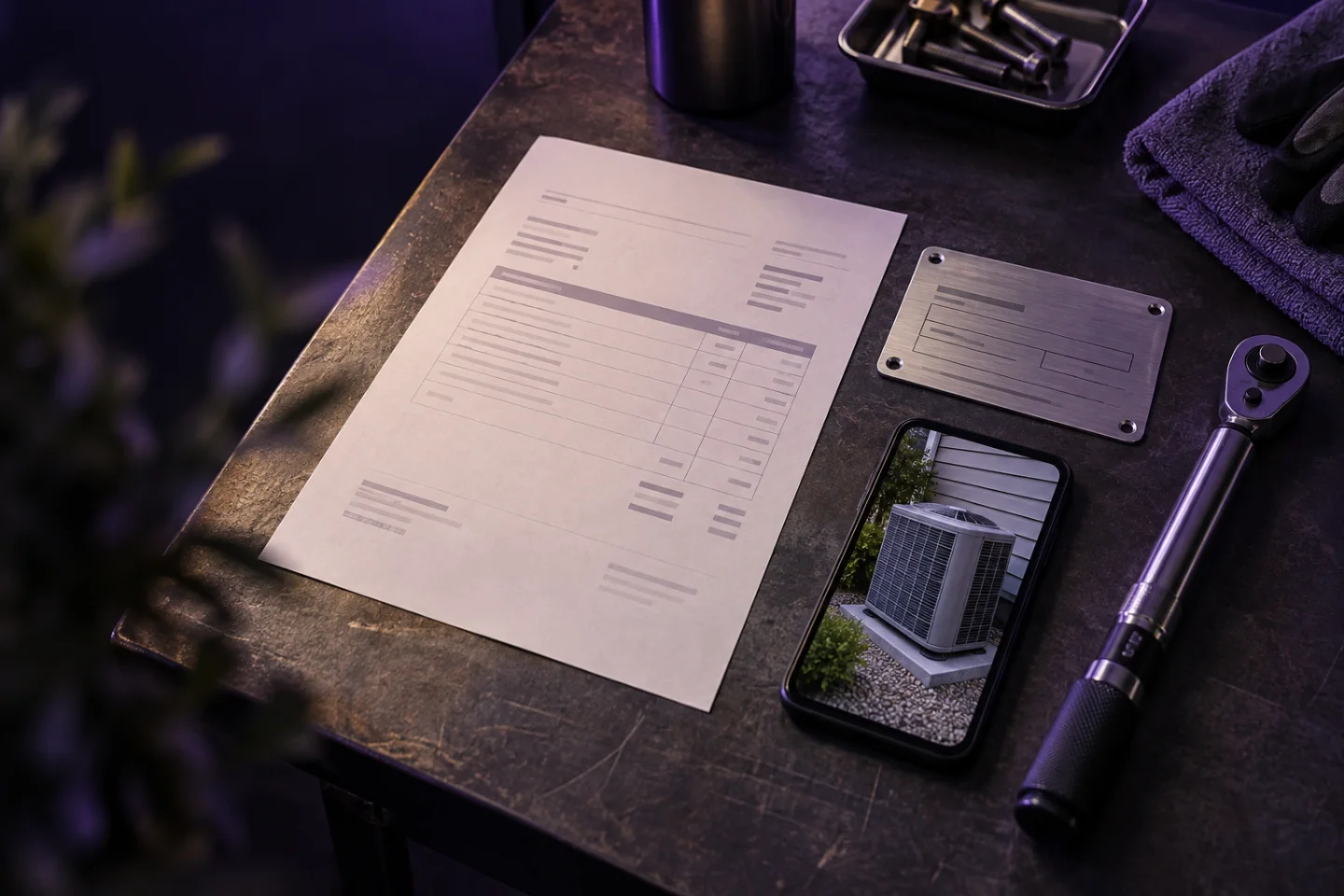
Verifying installer claims with an invoice, serial label, and installation photo
A pilot design for installer incentive claims using purchase documents, product labels, installation photos, rules, and human review.

An installer claim can contain three different kinds of evidence. The invoice shows a commercial purchase. The serial or rating label identifies a physical product. The installation photo shows visible conditions at a site. Together they can support a stronger incentive claim than any one image alone—but only if the workflow is honest about what each item proves.
Steve has the building blocks for document extraction, image questions, duplicate checks, review, and Open Loyalty delivery. A multi-evidence installer workflow should still begin as a constrained pilot. Automatically matching an invoice line, label, and installation scene as one real-world job is a validation requirement, not a general shipped guarantee.
Define the claim before collecting images
Start with the decision the program needs to make. For example: “Did an enrolled installer buy an eligible model during the campaign and submit acceptable visible evidence of installation?” Break that decision into observable facts.
| Evidence | Facts it may support | What it does not prove alone |
|---|---|---|
| Invoice image or single-page PDF | seller, buyer, date, invoice number, product line, quantity, price | that the product was installed |
| Serial/rating label | brand, model, serial, product attributes visible on label | where or by whom it was installed |
| Installation photo | product appears present; configured visual requirements appear satisfied | ownership, hidden connections, safety certification, purchase date |
Steve currently supports images and single-page PDFs for document ingestion. A multi-page invoice needs preprocessing or separately scoped handling. State this in the participant instructions before launch.
Ask for evidence in a deliberate order
A good capture flow reduces avoidable review:
- Select the job or campaign.
- Photograph the invoice page containing seller, date, invoice number, and relevant line.
- Photograph the serial label straight on and close enough to read.
- Photograph the installed product from the angle specified by the program.
- Confirm the installer/member identity and site reference required by policy.
Capture guidance should name the problem: “Keep all four invoice corners visible” is better than “Take a good photo.” A quality gate can stop obviously blurry, dark, or cropped captures, but passing image quality does not mean the claim is eligible.
Create a claim schema
For a pilot, define a small typed record:
- participant or installer ID;
- invoice number and date;
- dealer/distributor;
- claimed model and quantity;
- serial number;
- campaign or offer ID;
- site reference, if appropriate;
- visible installation checks;
- per-field confidence and evidence source;
- duplicate indicators;
- reviewer verdict and reason.
Do not merge conflicting values silently. If the invoice says model HX200 and the label appears to say HX220, preserve both observations and route the mismatch to review.
Apply checks at the right layer
Steve can extract the evidence, evaluate configured relations, flag repeated images or identities, and ask bounded visual questions such as “Is the required mounting bracket visible?” Open Loyalty can check participant eligibility, campaign dates, model-specific earning, claim caps, tiers, and points.
Avoid vague visual prompts such as “Is this a compliant installation?” A photo cannot show every hidden connection or certify regulated work. Convert the standard into observable questions, and leave safety certification to an authorized inspection process.
Use duplicate controls carefully
Several duplicate patterns matter:
- the same invoice image uploaded again;
- the same invoice number and dealer submitted by another participant;
- the same serial number used in two claims;
- the same installation photo cropped and resubmitted.
Each signal needs a reviewer policy. A repeated invoice could legitimately contain several eligible units installed at different sites. A serial number, by contrast, may be intended to identify one unit. Configure identity fields around the program terms rather than treating every similarity as fraud.
Design human exceptions
A pilot should confirm how all claim evidence is grouped for review. The current review surface can show submitted evidence, extracted fields, failed rules, and matched duplicates for a submission; do not assume it already reconciles invoice, label, and installation observations into a purpose-built claim view. Common outcomes include:
- reject or escalate a materially misread serial number; field-editing requirements need separate validation;
- request a new label photo;
- reject an ineligible model;
- escalate an invoice covering several sites;
- clear a duplicate warning because the invoice quantity supports multiple claims;
- reject reuse of the same serial number.
The workflow should log the decision and reason. Those reasons show which capture instruction, catalogue alias, or rule needs improvement.
Hand approved claims to the campaign
Once approved, Steve can send a custom event with mapped claim fields or a transaction with line items to Open Loyalty. Open Loyalty then runs the installer campaign: qualifying model bonuses, participant tiers, claim caps, challenges, points, or badges.
Keep fulfillment explicit. If the program pays cash, mails checks, issues prepaid cards, or ships rewards, that capability needs its own integration and operating owner.
Pilot checklist
Choose one product family, one country, one invoice format range, and one visible installation standard. Label at least a few examples for clean claims, unreadable labels, invoice/label mismatches, multi-unit invoices, repeat images, and legitimate repeat participants. Agree the expected decision with channel operations and a technical product expert.
Then measure extraction quality, match outcomes, review reasons, time per exception, delivery success, and Open Loyalty campaign results. Do not publish a deployment claim until the pilot proves the workflow on representative evidence.
This approach gives installers a clear submission path and gives program teams traceable facts rather than a folder of photos.
Explore product registration, document extraction, the proposed installation evidence workflow, and the Open Loyalty integration. To design a scoped installer pilot, book a demo with sample invoices, labels, photos, and the exact checks used today.