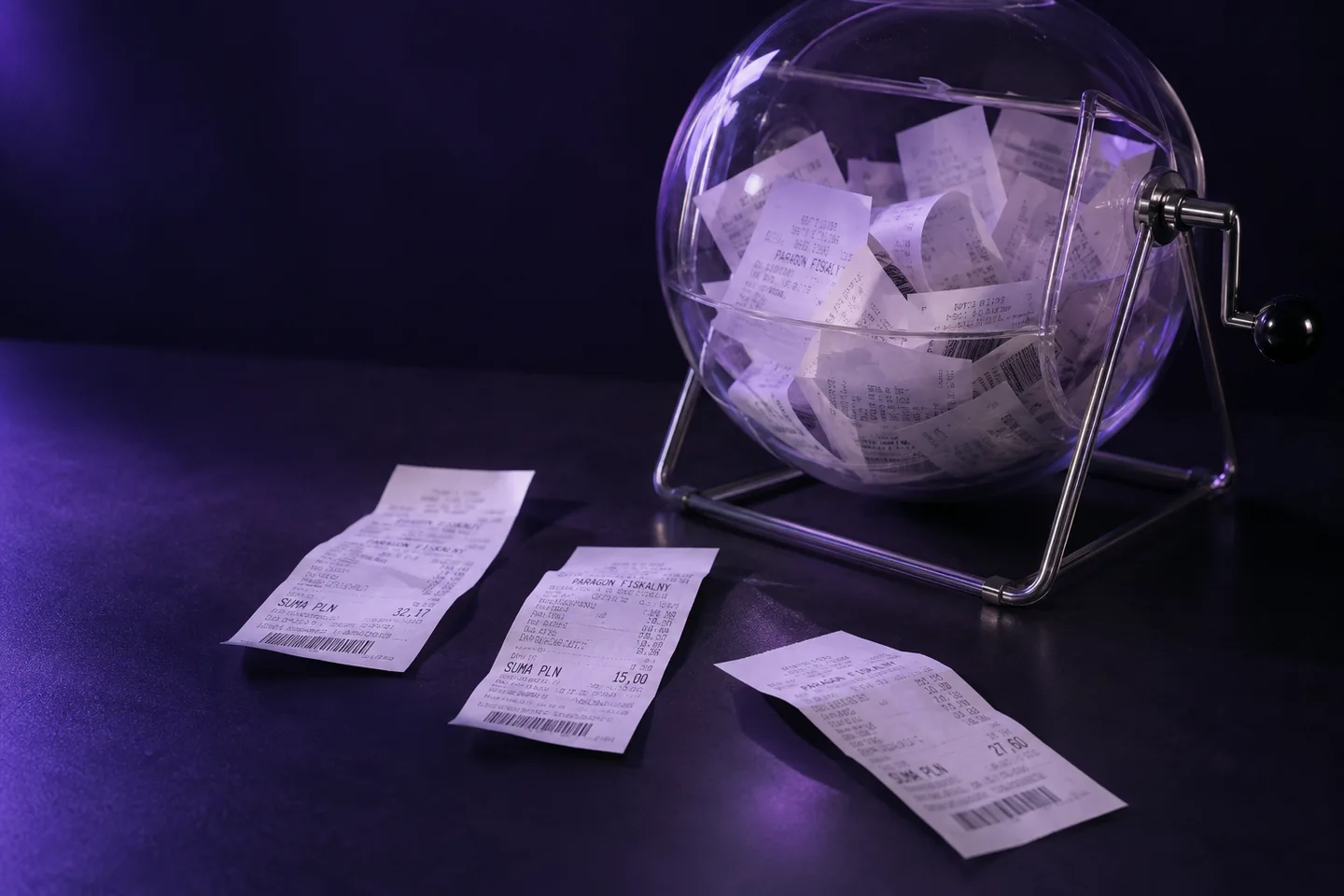
Receipt rejection UX: retake, review, or reject?
Design clear receipt-upload outcomes for unreadable evidence, uncertain fields, ineligible purchases, and suspected duplicates.

“Receipt rejected” is technically concise and operationally useless. It does not tell a participant whether to photograph the receipt again, choose another receipt, or contact support. It also collapses three different conditions: the evidence cannot be read, the decision is uncertain, or the purchase does not meet the campaign rules.
A good receipt-upload experience makes the next action obvious without exposing fraud controls or pretending the system knows more than the evidence supports.
Use four outcome classes
Retake. The image cannot support analysis because it is blurred, dark, glared, cropped or missing required sections. Ask for another capture immediately, before the submission enters review.
Review. The image is usable, but a field, product match or duplicate signal is uncertain. Confirm receipt of the evidence and give a realistic status. Do not tell the participant to upload the same receipt repeatedly.
Ineligible. The evidence is readable and the configured campaign rule clearly fails: purchase date outside the window, qualifying product absent, or required quantity not met. State the failed condition in participant language.
Blocked or rejected after review. A reviewer confirms a duplicate or another disqualifying condition. Provide the decision reason and the program’s support route. Do not reveal thresholds or detailed anti-abuse logic.
Match the message to the fix
| System reason | Participant message | Next action |
|---|---|---|
| Bottom edge missing | “Include the full receipt, including the total.” | Retake |
| Glare covers product lines | “Move away from direct light and try again.” | Retake |
| Product line ambiguous | “We are checking the items on your receipt.” | Wait for review |
| Purchase date before campaign | “This purchase was made before the offer began on 1 September.” | Use another eligible purchase if allowed |
| Prior matching purchase confirmed | “This purchase has already been used for this offer.” | Support route if disputed |
The examples are illustrative. Campaign terms and local consumer requirements should determine the final wording.
Ask for a retake only when a retake can help
A quality gate should inspect sharpness, exposure and framing before deeper processing. If the total is cut off, another photo can fix it. If the purchase occurred outside the campaign window, another photo of the same receipt cannot.
Repeated retake loops are a design failure. Set a limit, then provide a web/support route or send assessable-but-difficult evidence to review. Preserve a distinct “not assessable” state; unreadable evidence is not proof of ineligibility or fraud.
Steve’s capture-quality gate runs before analysis, returns a reason, and does not bill gated submissions. In mobile capture it can ask for a better photo immediately; through the API the calling experience should translate the returned reason into its own interface.
Keep review status honest
If a submission requires a person, say so without promising a time the operation cannot meet. Capture a support reference and prevent accidental resubmission from creating parallel cases. The reviewer should see the receipt, extracted fields, rule reason and any matched duplicate together.
When the decision changes after review, deliver one authoritative event. API consumers should expect retries and deduplicate signed webhook events. Steve’s delivery API uses client submission identifiers and signed events; the loyalty application still owns the member-facing status screen and notification.
Separate evidence rules from earning rules
In a receipt-based loyalty program, several systems contribute to the result. Steve can establish that the submitted evidence is readable, extract the purchase, check duplicates and produce a verdict against configured evidence rules. Open Loyalty applies campaign and earning rules to approved purchase data.
That separation improves error copy. “We could not read the total” comes from evidence handling. “This product does not earn points in this campaign” comes from campaign configuration. The customer should receive one coherent message, but the support team needs to know which system owns the correction.
Review the flow before launch
Walk through these cases with marketing, operations, support and engineering:
- blurry image that succeeds on the second capture
- long receipt missing the total
- readable receipt with one uncertain product abbreviation
- clean but ineligible purchase
- suspected duplicate later cleared by a reviewer
- confirmed duplicate from another account
- webhook delivered twice
- review completed after the member closes the app
For each case, write the on-screen message, next action, support explanation, system status and event sent downstream. Check that the campaign terms use the same language.
Measure recovery, not only rejection
Track the share of gated uploads followed by a successful retake, repeated gate failures, review share, time to decision, reasons by category and support contacts per thousand submissions. Do not optimize for the lowest rejection rate: approving evidence that cannot support the decision is not a better experience. Optimize for a clear, fair resolution.
If you are designing a receipt campaign, book a demo and bring the current upload screens plus several failed examples. We will map capture reasons, review outcomes and downstream loyalty events before the campaign goes live.